Everything you do,
behind one link.
Your link page in two minutes, on a username of your own. Your own domain, your own SEO, and an export button that hands you everything. All of it included, with no card.
What is a link in bio?
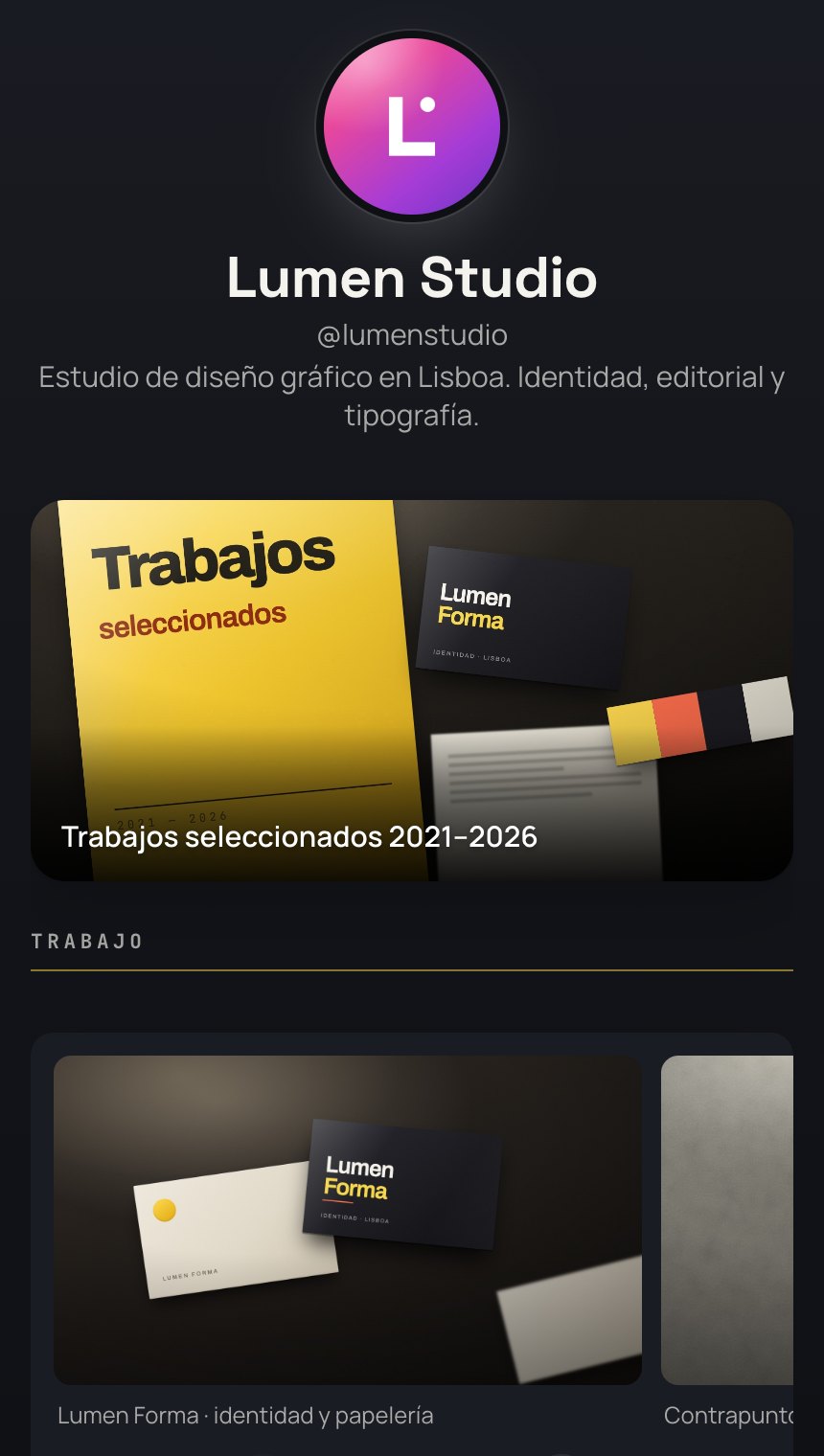
Instagram gives you one link field. TikTok gives you another. LinkedIn, one more. A link in bio is the page that goes in that field: a single, stable address that opens everything else. You change what is inside whenever you want, and the link on your profile stays the same.
From nothing to a page people can open.
You need an email address and the links you already paste into your captions.
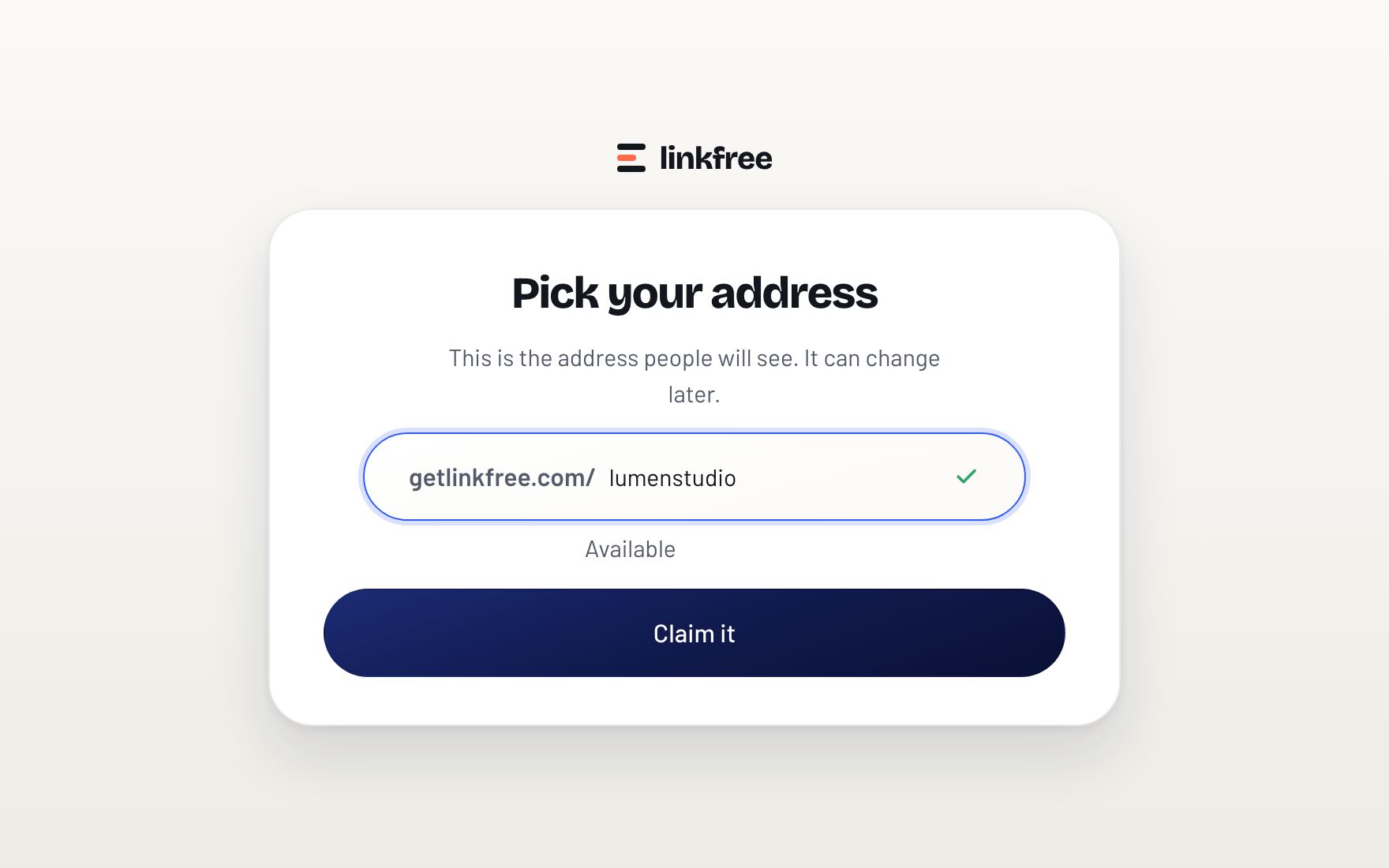
Take your address
Your page answers at a name of your own. The field checks it while you type and tells you whether it is still free.
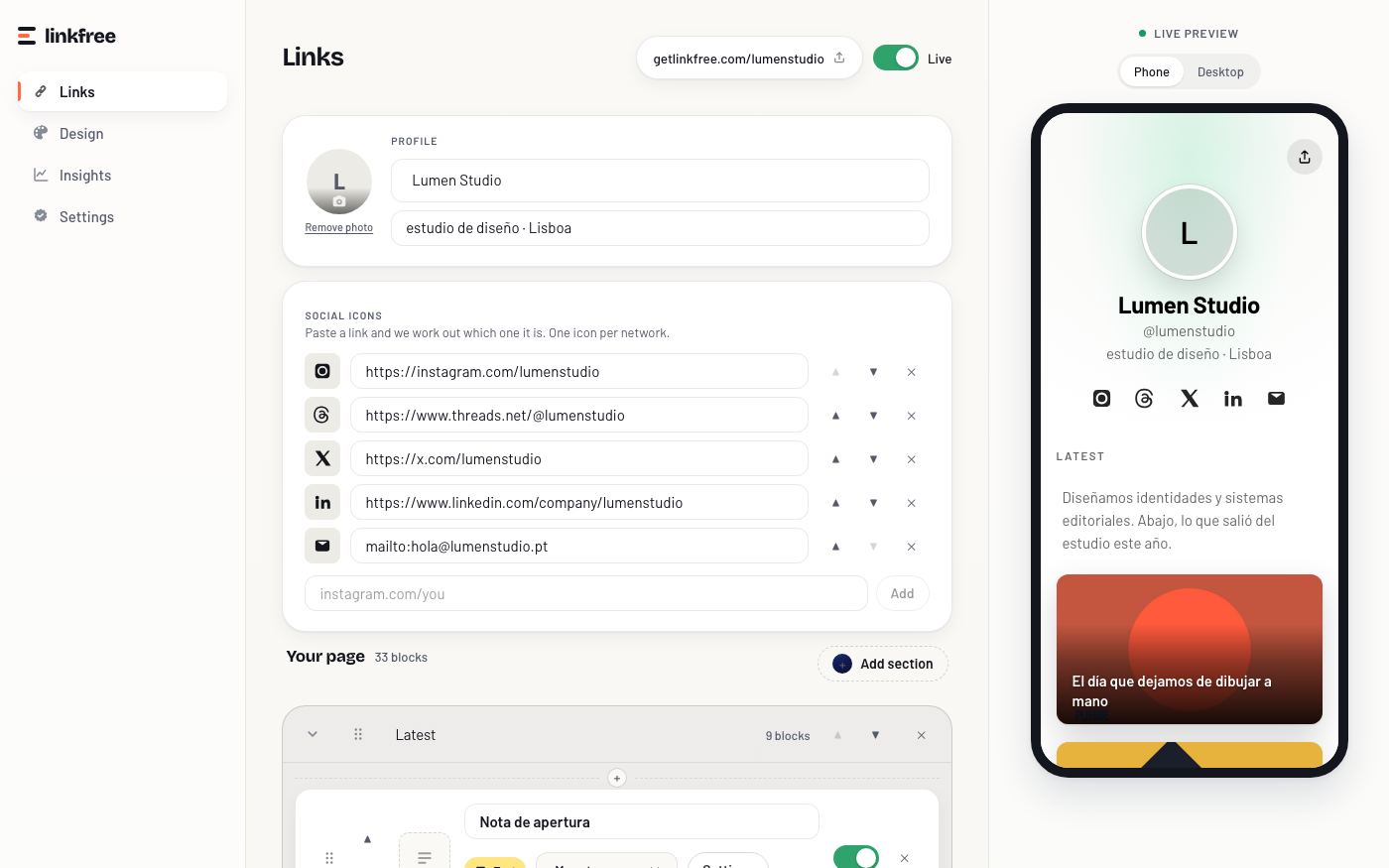
Paste your links
Paste a URL and the block comes back with the title and the image of the page it points to. Drag the rows into the order you want, and switch off the ones that are over.
Publish it
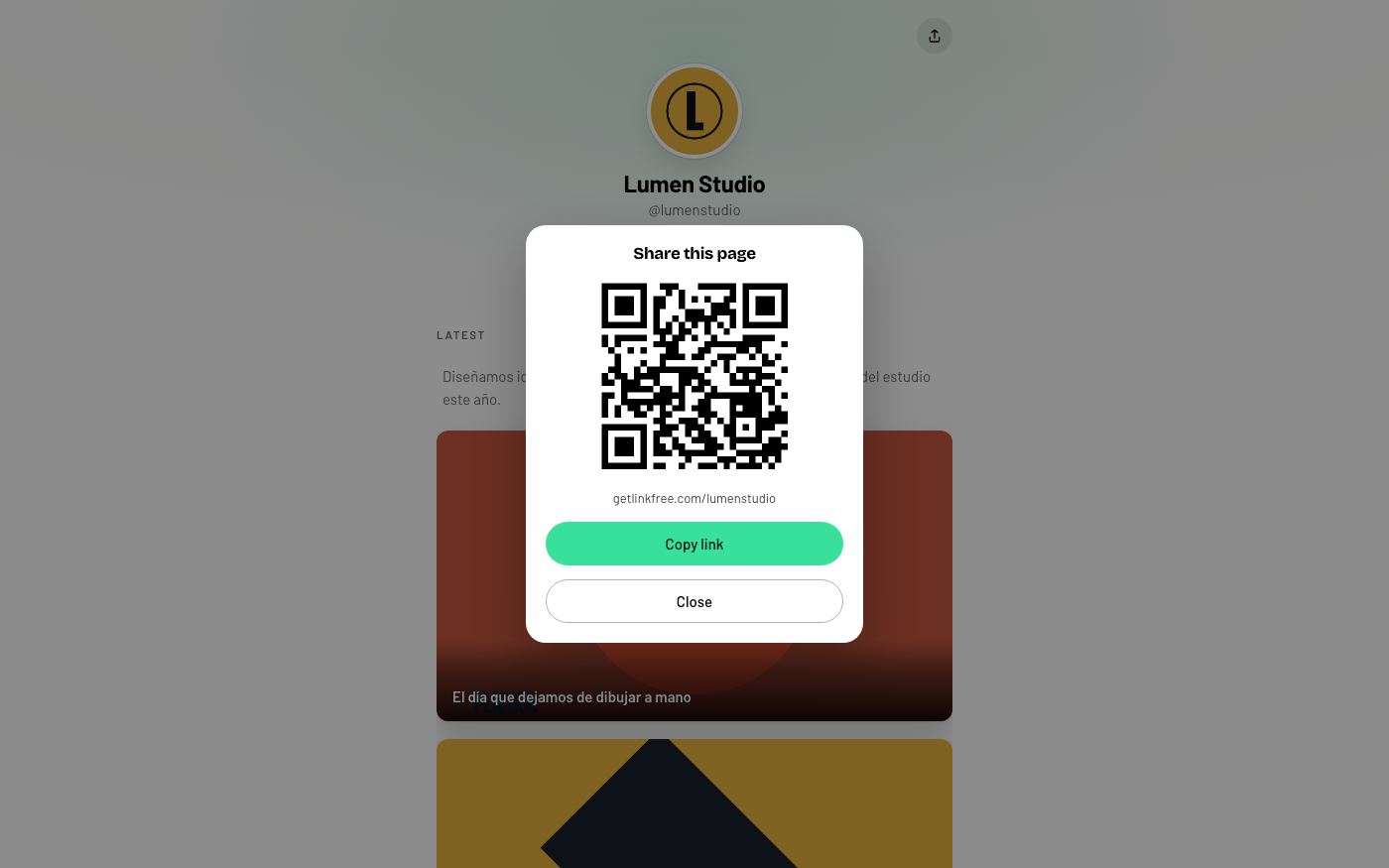
One switch puts the page online. From there you share the address, or the QR code the page hands you, wherever it has to go.
Why you want one.
Because the link in your bio is the one spot on your profiles that you control, and every time you swap it for a one-off promo you lose everything else.
One address for all of it
Your latest work, the shop, the newsletter and the booking calendar live together. You update the page and never touch a profile.
Your audience is yours
Platforms change the algorithm whenever they feel like it. Your page does not. Whoever saves it still finds you two years from now.
You know what gets clicked
How many clicks each link got, every day, without a separate plan. That is how you decide what goes on top.
All of this comes included.
Unlimited links
Add as many as you want, order them how you want, switch them off when they are done.
Templates and themes
Eight designed templates and six themes. Pick one and your page is dressed; change it whenever you want.
Clicks per link
The number next to every row, from day one, with no separate plan.
QR code
For the packaging, the business card or the sign in the window.
Email capture
A subscribe field on your page, and the list is yours to take whenever you want.
Your own domain
Point a domain you own at your page and it answers there, with the certificate handled for you.
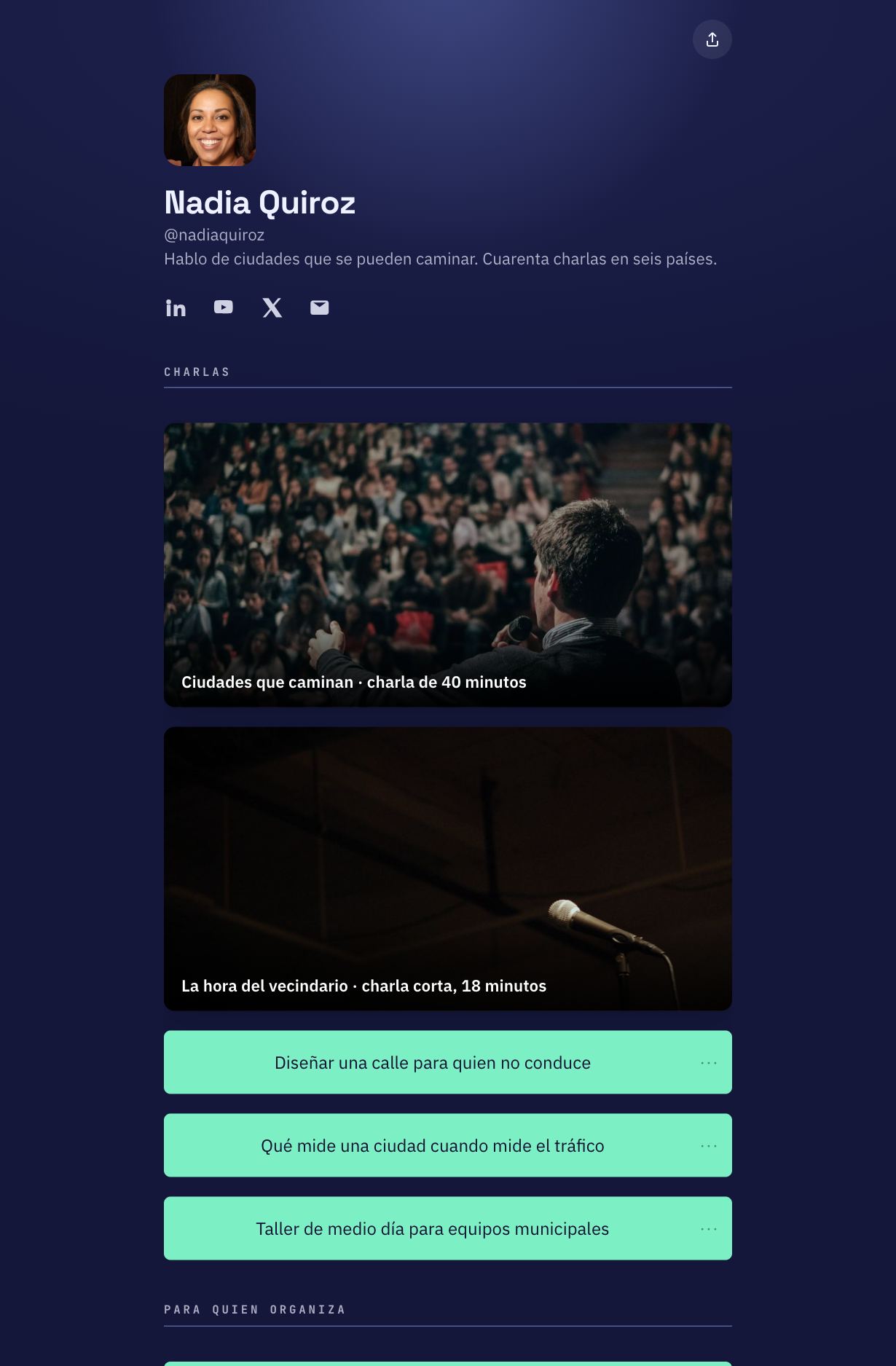
Start from a template.
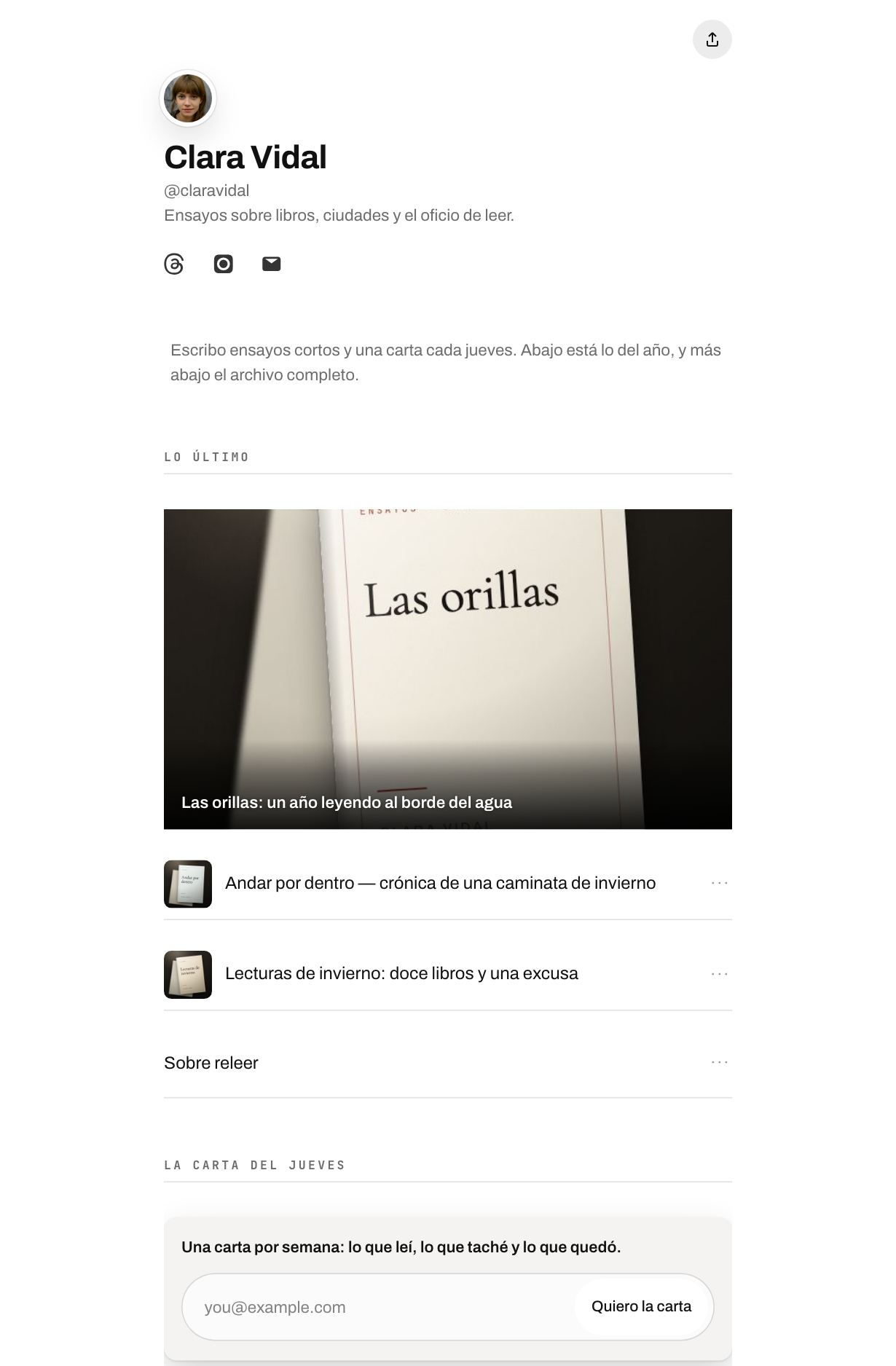
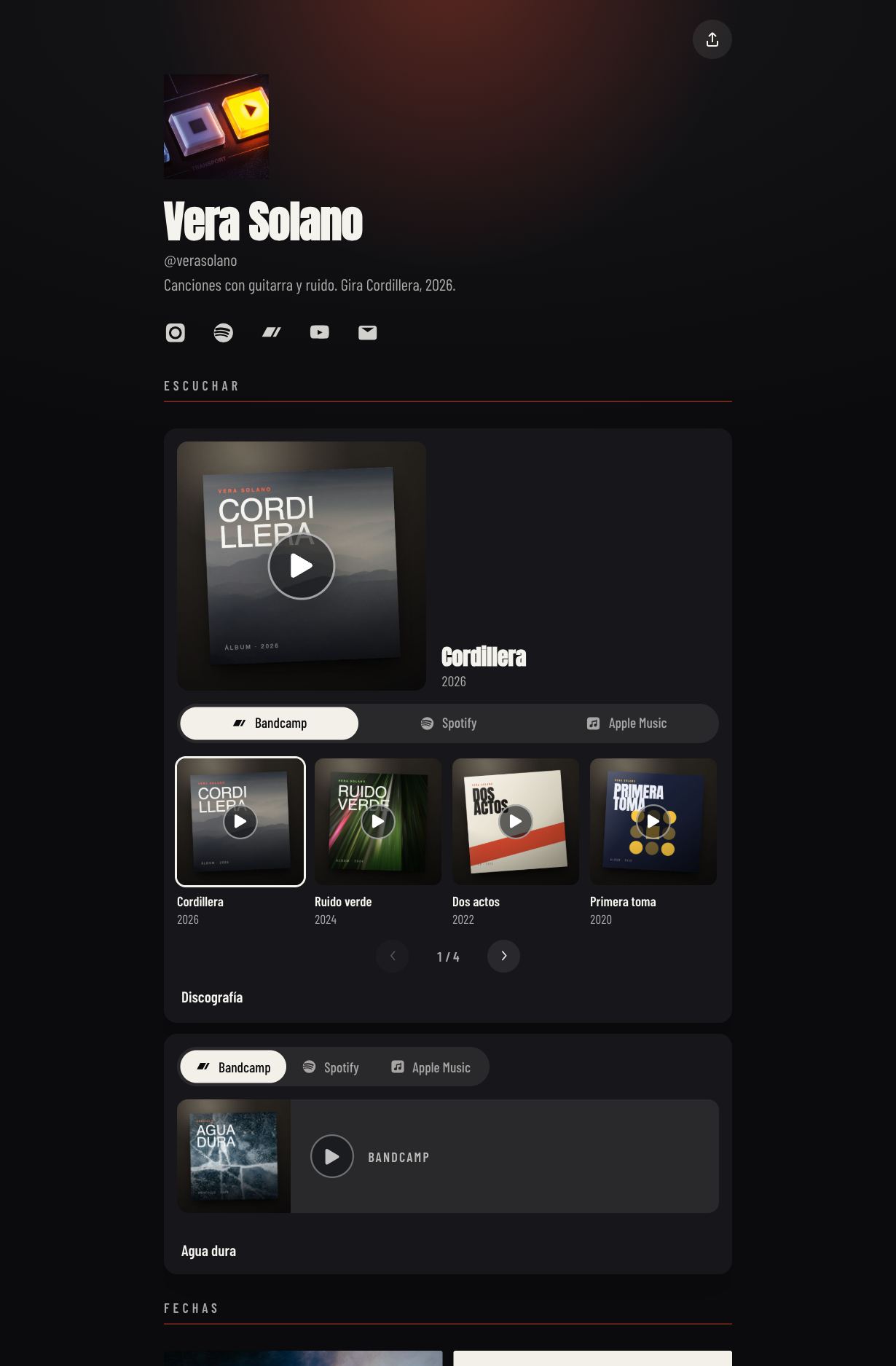
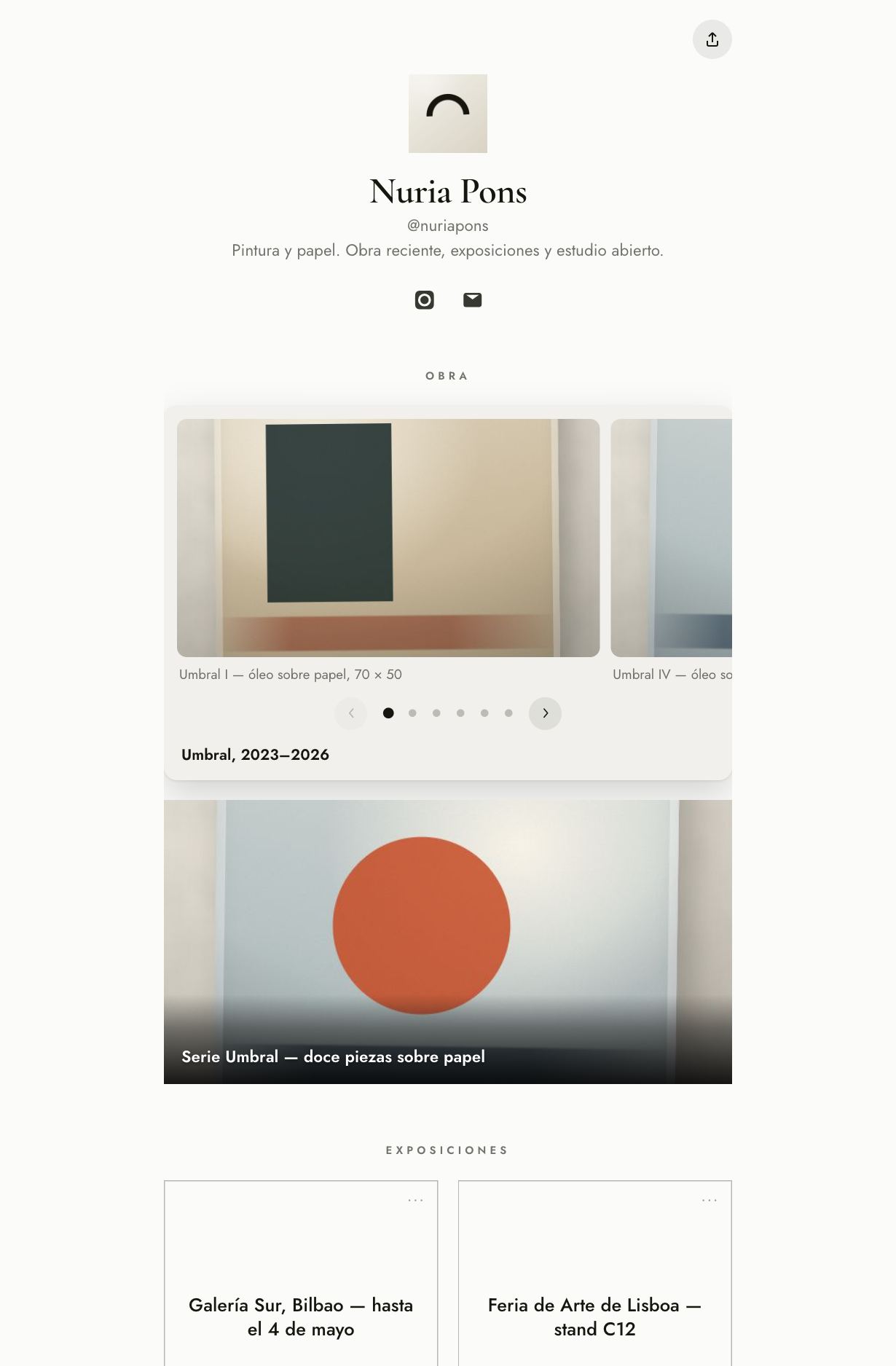
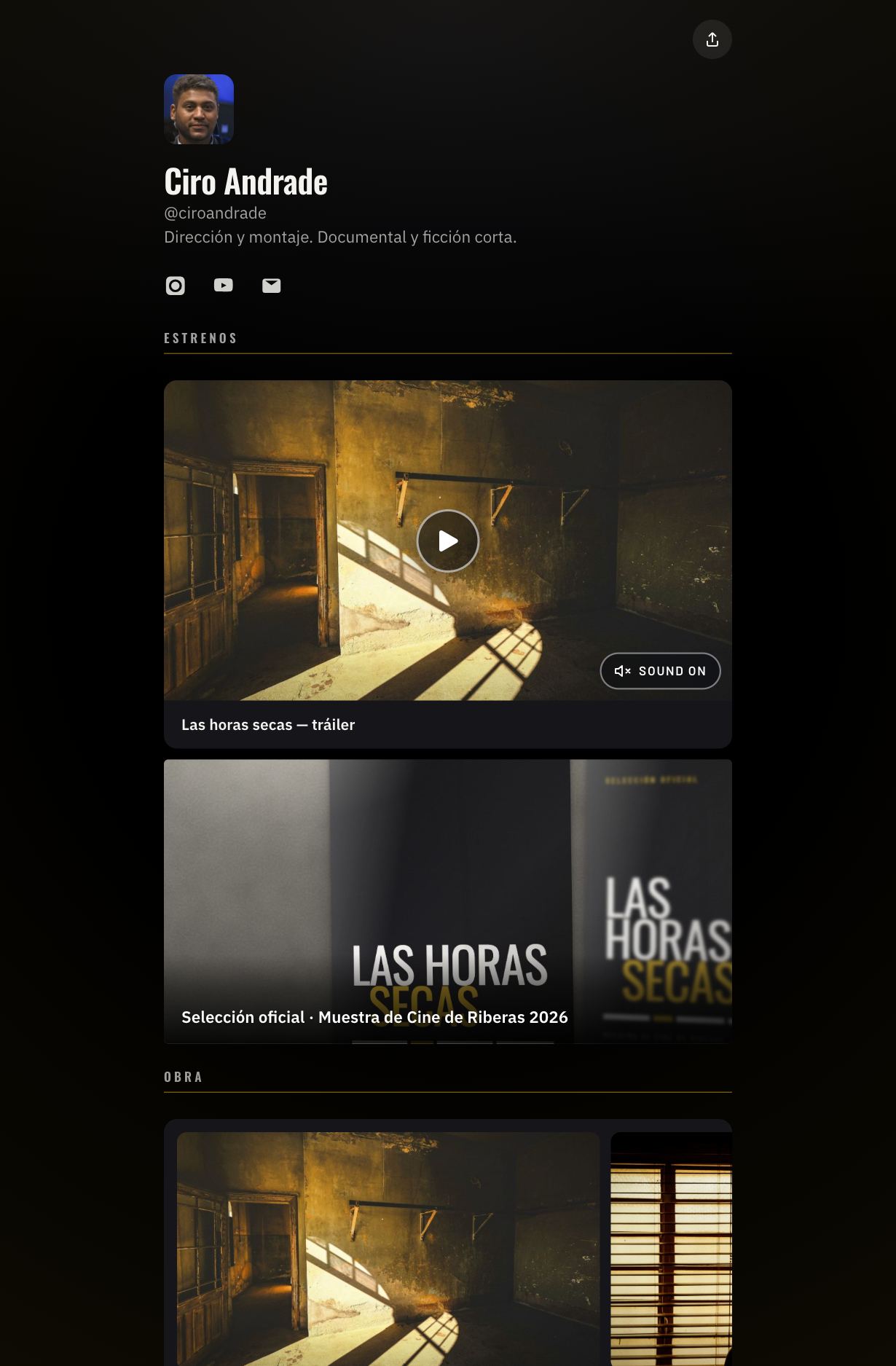
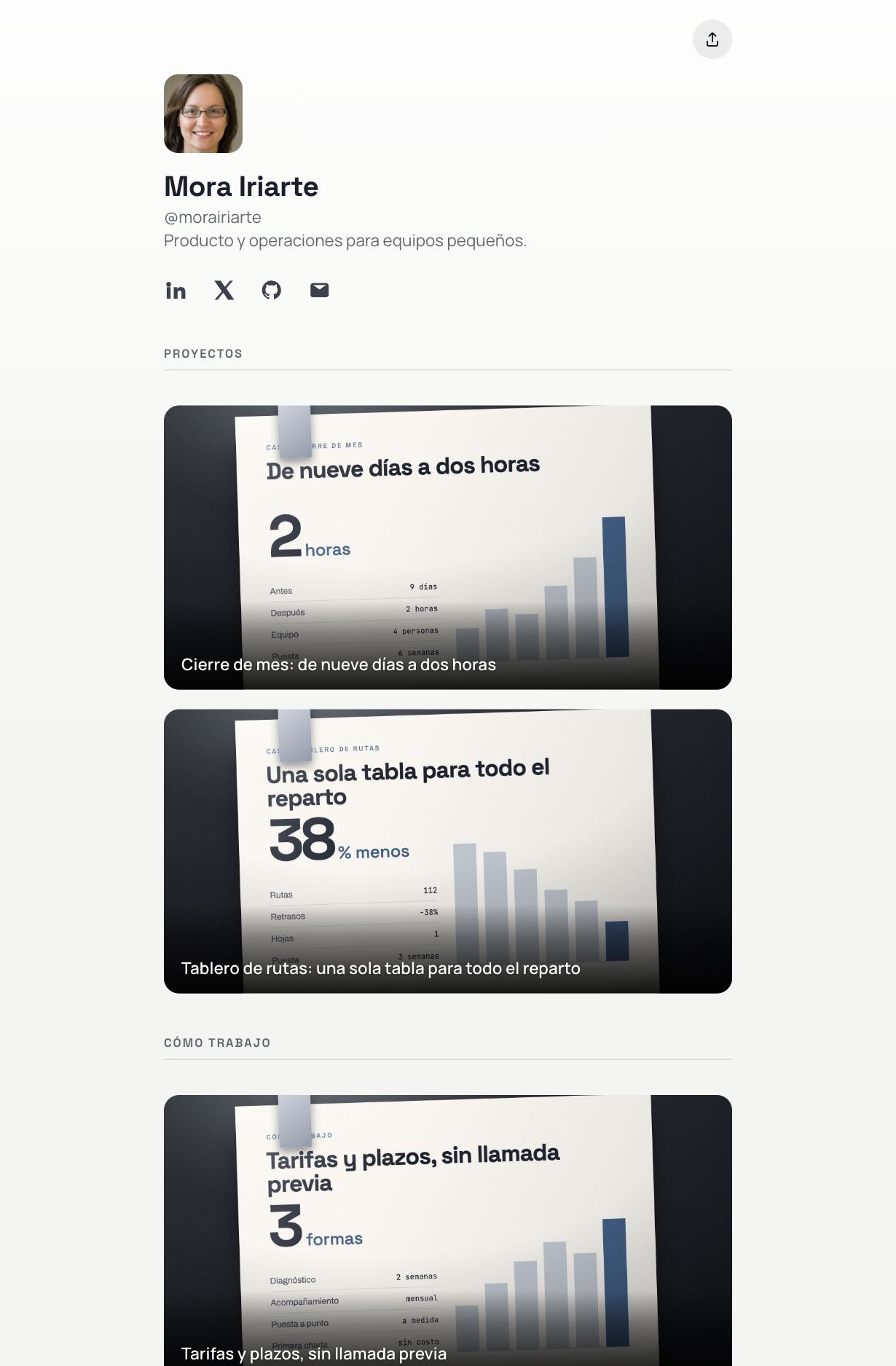
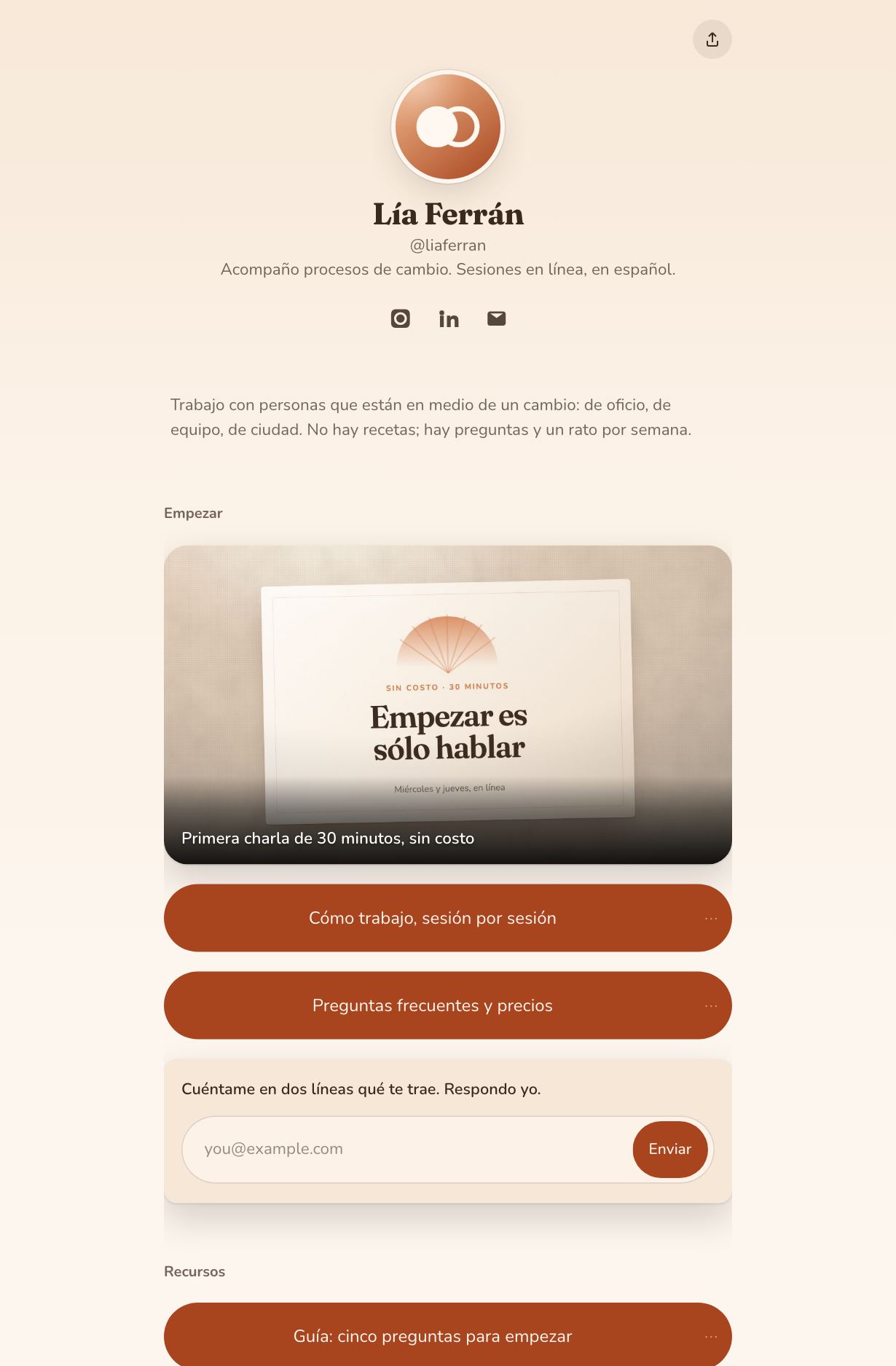
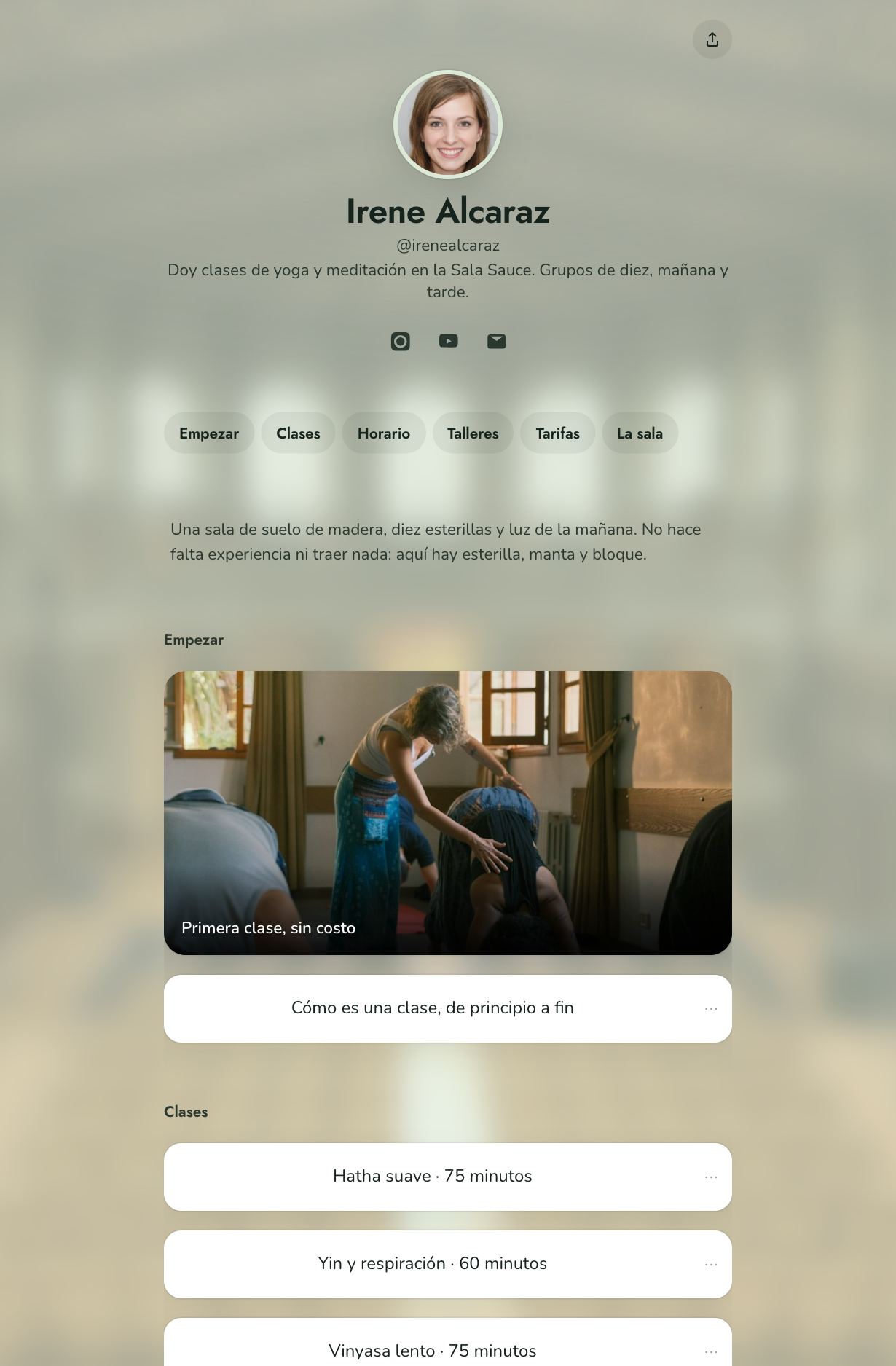
Pick one and the page is dressed: the typeface, the section labels, the shape of the buttons and, in two of them, where each piece of the page sits. Your links and your text stay where they were.
See what gets clicked, without paying for a separate plan.
Clicks per link and per day, where people arrive from, and which link takes the attention. Enough to decide what goes on top, without a dashboard you will never open.
Create my page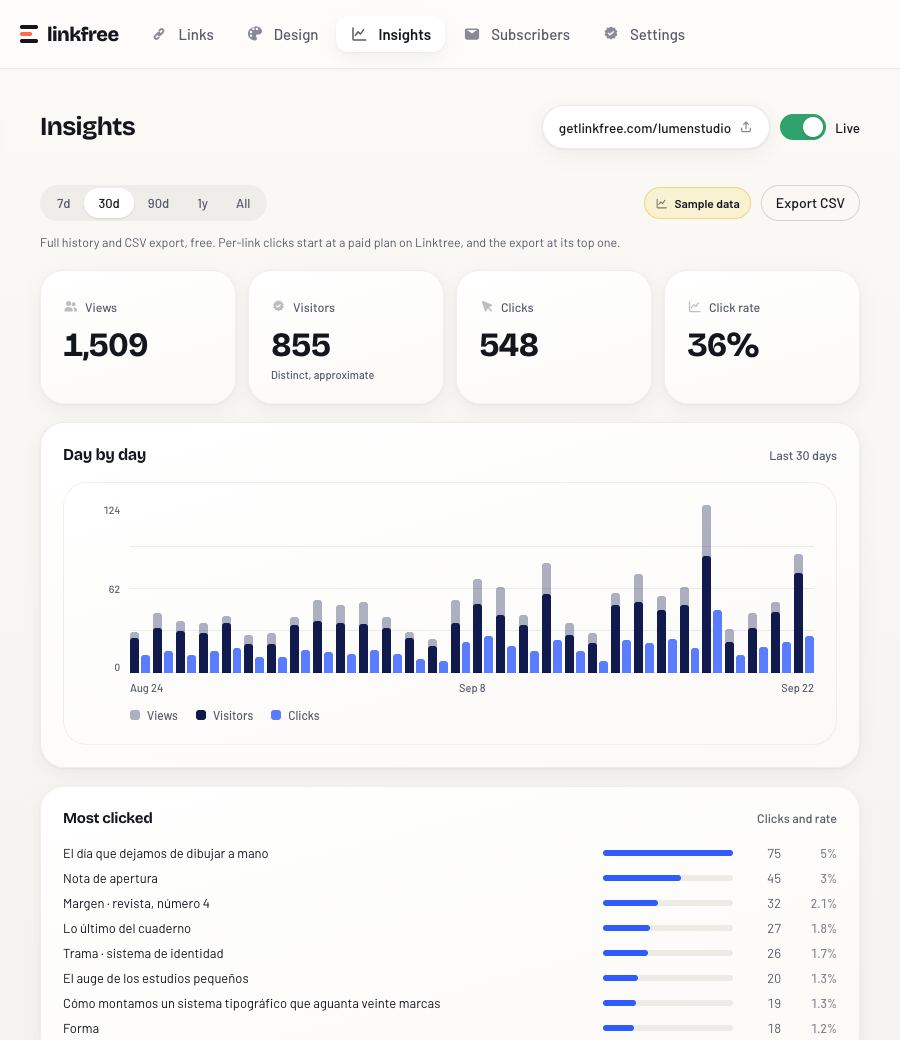
What is Pro over there is standard here.
The full comparison, no asterisks. If you find something they have and we do not, tell us and we will add it.
| linkfree |  Linktree, free plan | |
|---|---|---|
| Unlimited links | Yes | Yes |
| Templates and themes | Eight templates and six themes, all of them | Basic themes |
| Your own domain | Included | Paid plan only |
| Per-link analytics | Clicks per day, from day one | Basic clicks and views |
| Email capture | Included | Paid plan only |
| Take your data out | Your page and your stats, in one click | No export |
| Price | €0, no card | €0; everything above from €4.50/month |
Prices and limits taken from Linktree’s public pricing page, September 2026.
Before you sign up.
Is it free, really?
Yes. The templates, your own domain, the clicks on each link and the export are on every account. There is no paid tier to move up to, and no screen asks for a card.
Does my page carry a linkfree mark?
A small “Made with linkfree” line sits at the bottom of every published page, and it stays there. It is how people find the project, and it is the whole of what your page gives back.
Can I use a domain I own?
Yes, on any account. You add one DNS record at your registrar and your page answers there, with the certificate handled for you. You buy and renew the domain in your own name: remove it here and nothing changes at your registrar.
Will Google index my page?
Your page is served as real HTML, so a crawler reads it without running anything. The title and the description are yours to edit, and the page enters the sitemap as soon as it has one block on it.
What if linkfree shuts down?
You take everything out before it matters. The export button gives you a standalone HTML file of your page and a JSON file with the blocks, the stats and the subscribers. Nothing is asked in return, and nothing is held back for a plan.
Do I need a password?
No. You type your email, a link arrives, and it signs you in. The link lasts an hour and opens once.